iLedHat Manual
Introduction
Welcome to Your Product Manual
Thank you for your purchase! Please read this manual carefully before using the product to ensure that you can use our product correctly and safely. We are committed to providing you with the best products and the highest quality service. Thank you for your trust and support!
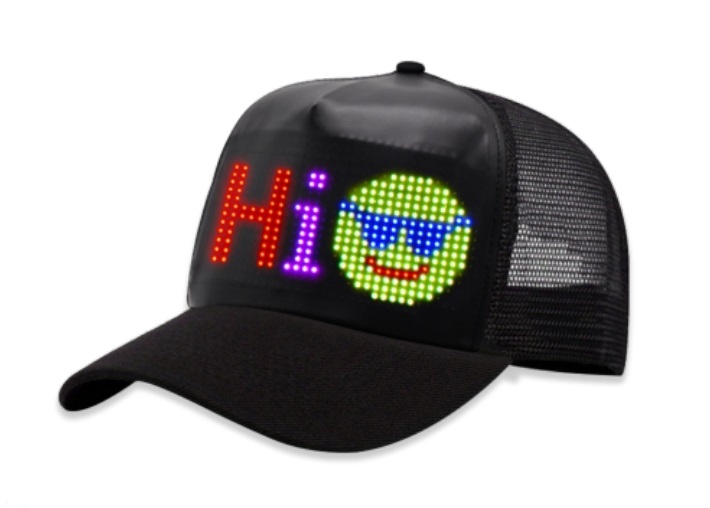
This comprehensive guide contains all the information you need to get the most out of your device.
Precautions
Operation Guide
1. Button Instructions
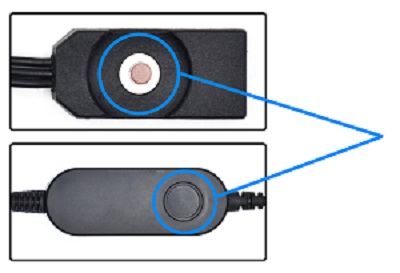
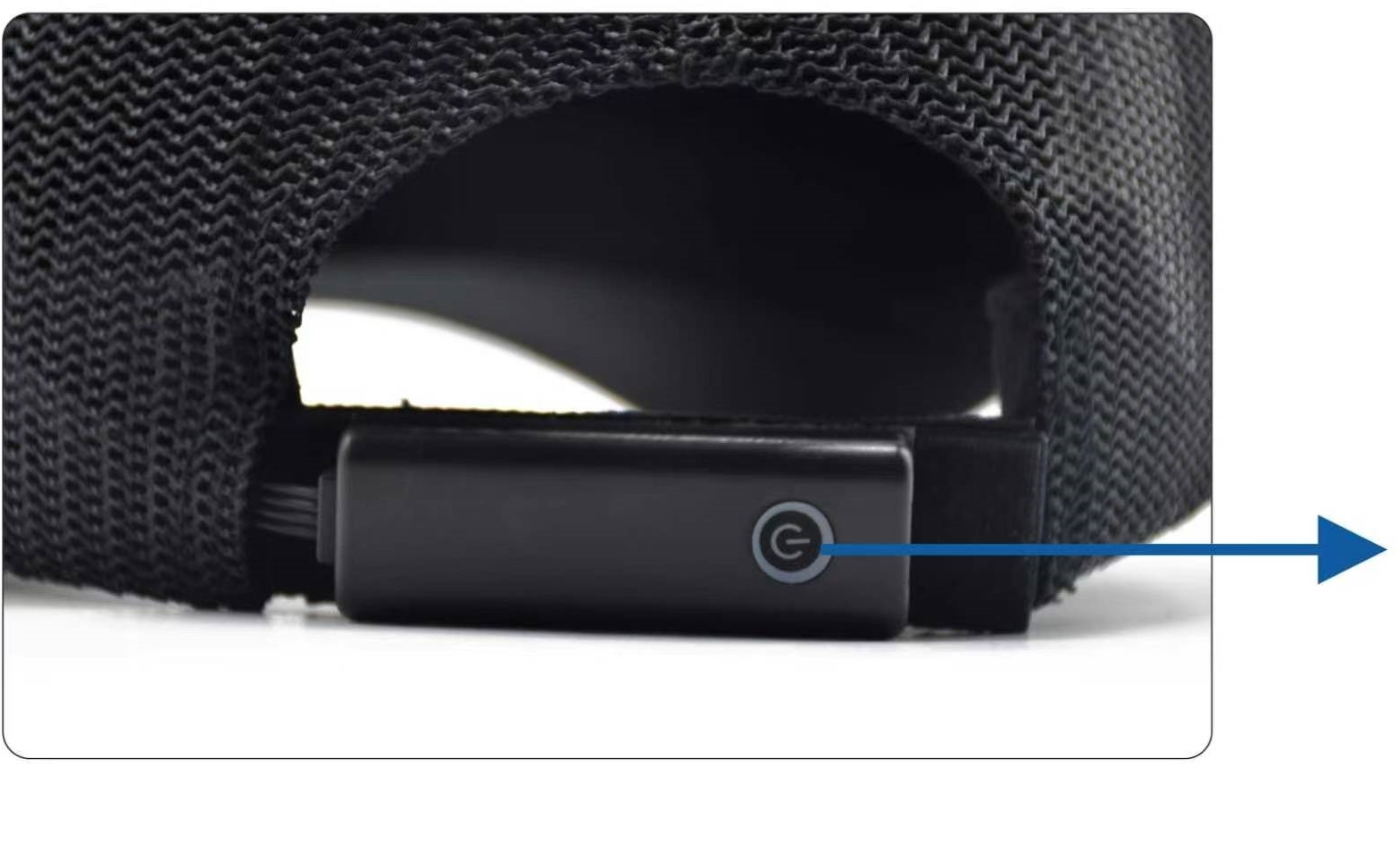
- Long press to turn the display on or off.
- Short press to switch programs.
- Double press to switch mirroring.
- Extra long press to reset.
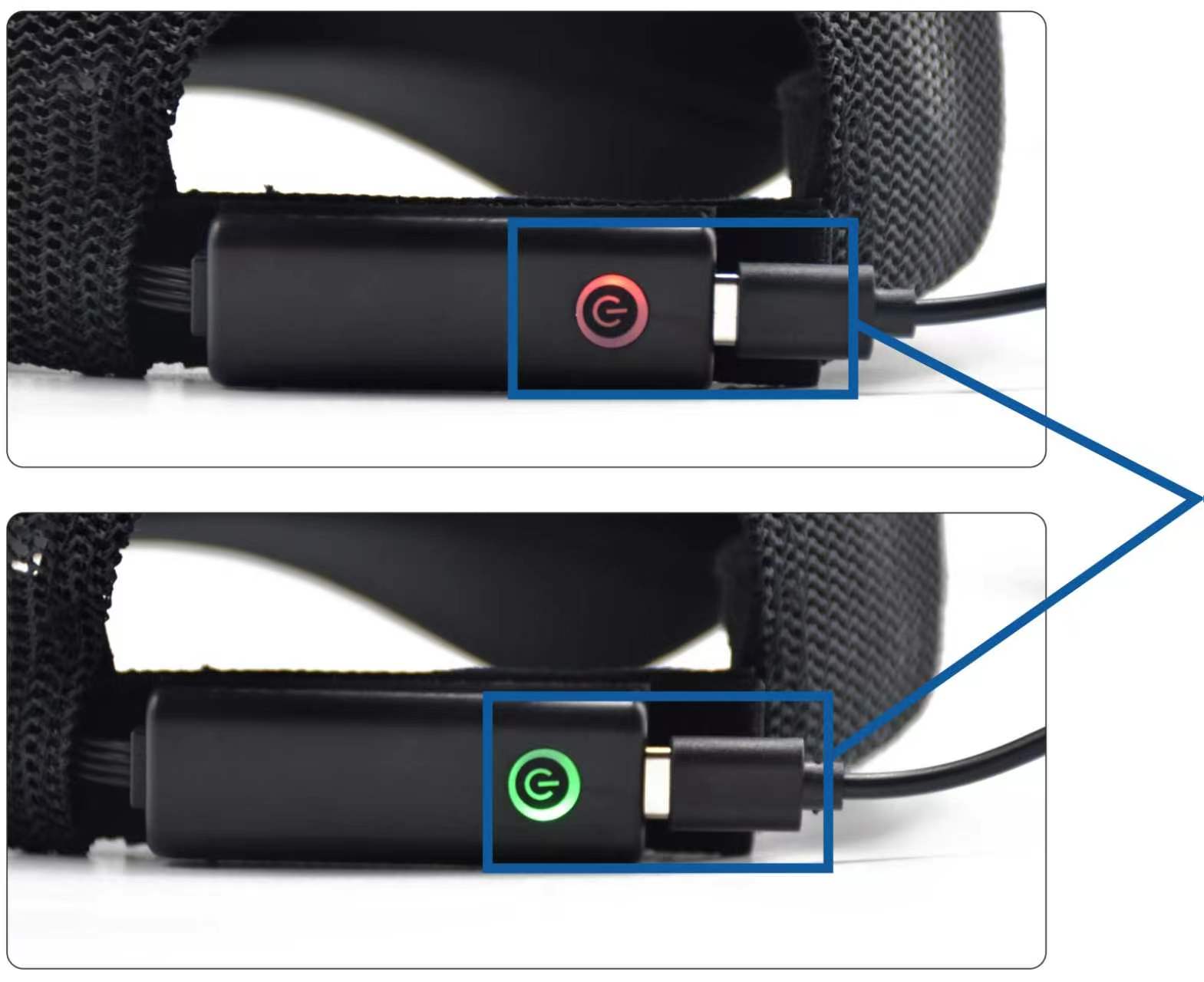
2. Charging Instructions
- TYPE-C charging port.
- Red charging indicator.
- Green fully charged indicator.
App Download
Please use your browser to scan the QR code to download the app. Apple users can search for "CoolLED1248" in the App Store to download it.
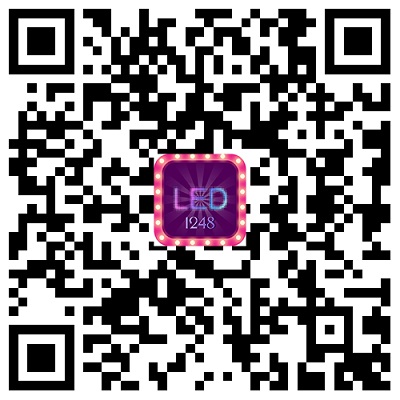
(3 in 1)
If you cannot scan this 3-in-1 QR code to download, you can also scan the following two QR codes to download.
App Store
Google Play
Connect Device
Before connecting the device, please connect the device correctly according to the connection diagram, power on the device, and keep the device turned on to ensure that the device can be successfully connected and used.
- Please allow the app to request necessary permissions to ensure the normal functioning of the app.
- In order to use this application, you need to turn on the Bluetooth of your mobile phone. Please authorize to turn on Bluetooth in the application.
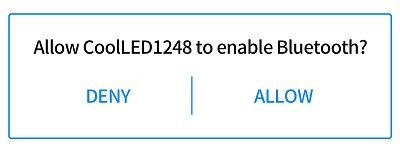
- The app will automatically search for display devices and display them in the device list. If the search fails, pull down to refresh the device list to search again.
- Please click the device you want to connect to and wait for the device to connect successfully. If the connection fails, pull down to refresh the device list and then reconnect the device.
Device list
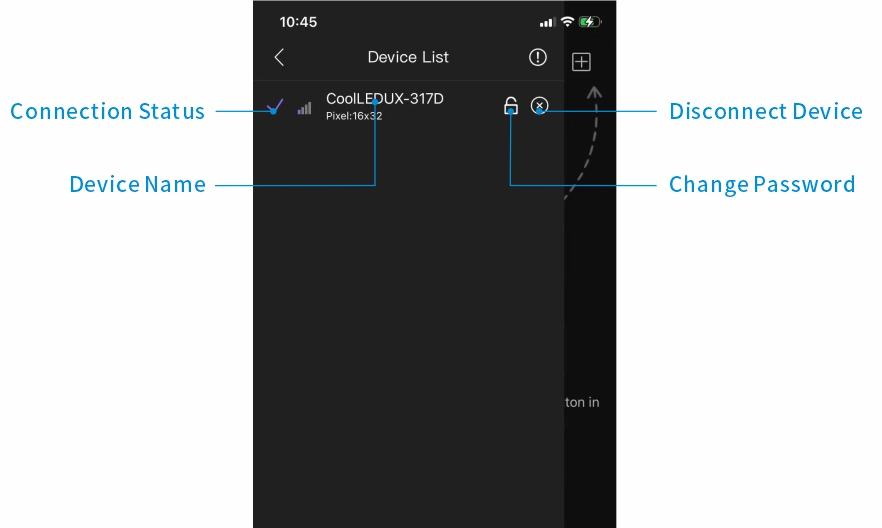
- Please pull down to search for a device.
- If the device cannot be searched for several times, please check whether the permissions are enabled and restart the device.
Help & Feedback
- If you want to know more about the product, how to use it, and solutions to common problems, please check the [Help Center] in the APP settings menu.
- If you have any comments, suggestions or need help with our products, please contact us through [Contact Us] in the APP settings menu.
RF Information
Wireless Standard: Bluetooth Low Energy (BLE)
Frequency Range: 2402MHz-2480MHz
Max Transmit Power: 1mW
Class III Appliance Warning
This appliance must only be supplied by a safety extra-low voltage corresponding to the marking.
Maintained by the official CoolLED1248 team.